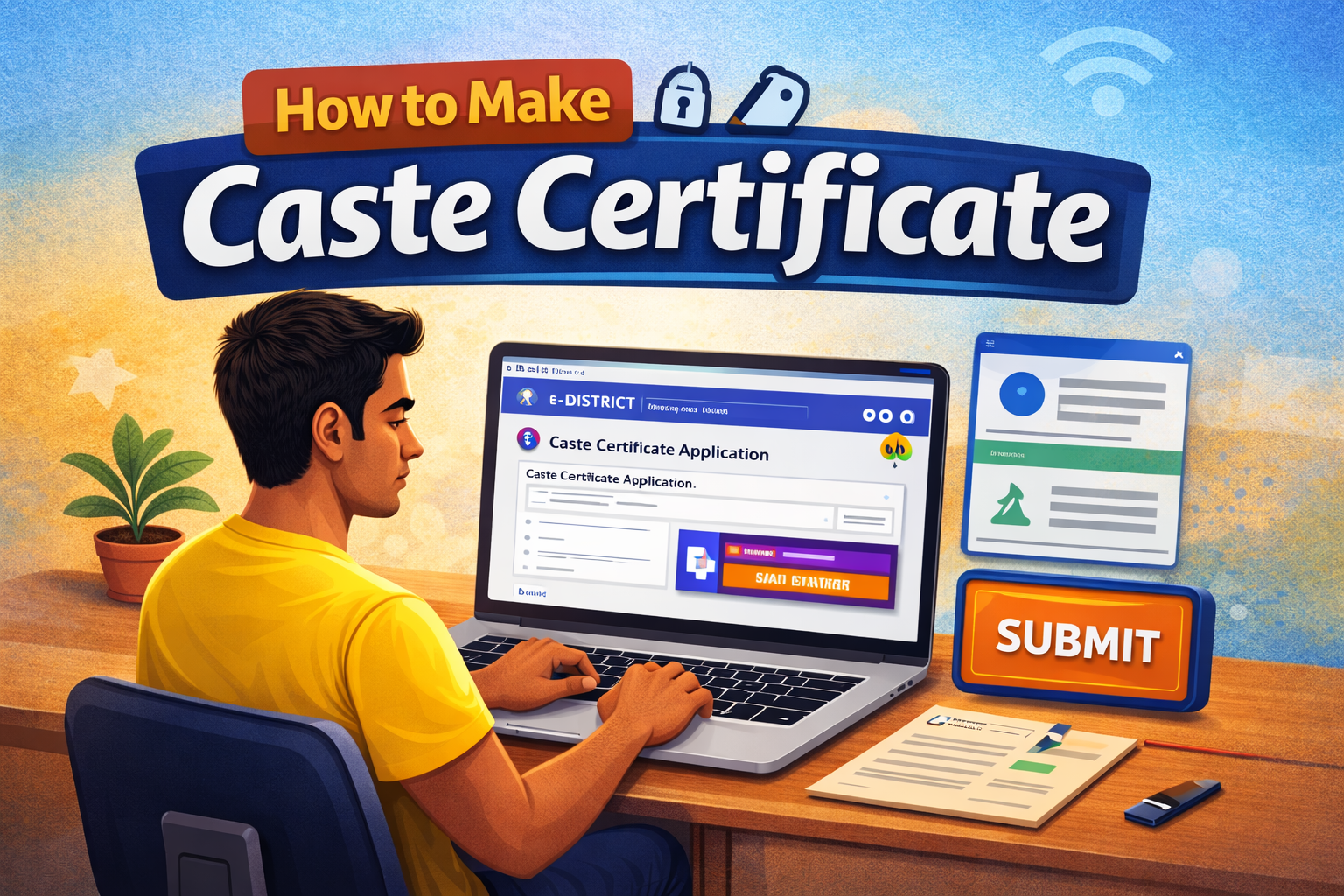
Agar aap Google par search kar rahe ho how to make caste certificate to aap sahi jagah par aaye ho. Is article me hum step by step samjhenge ki caste certificate kaise banwaye, kaun apply kar sakta hai, kaunse documents chahiye, aur online apply ka pura process kya hai.
🔥 Daily Loot Deals Telegram Channel
📢 JOIN TELEGRAM CHANNEL✅ Join Now & Get Daily Loot Deals, Offers & Coupons
Table of Contents
Caste Certificate Kya Hota Hai?
Caste certificate ek government document hota hai jo batata hai ki aap kis category se belong karte ho:
- SC (Scheduled Caste)
- ST (Scheduled Tribe)
- OBC (Other Backward Class)
- General (normally certificate ki jarurat nahi hoti)
Ye certificate mainly government jobs, school/college admission, scholarship aur reservation benefits ke liye use hota hai.
Caste Certificate Kyun Zaruri Hai?
Agar aap SC, ST ya OBC category se ho, to caste certificate ke fayde:
✔ Government job me reservation
✔ College admission me seat reservation
✔ Scholarship benefits
✔ Government schemes ka benefit
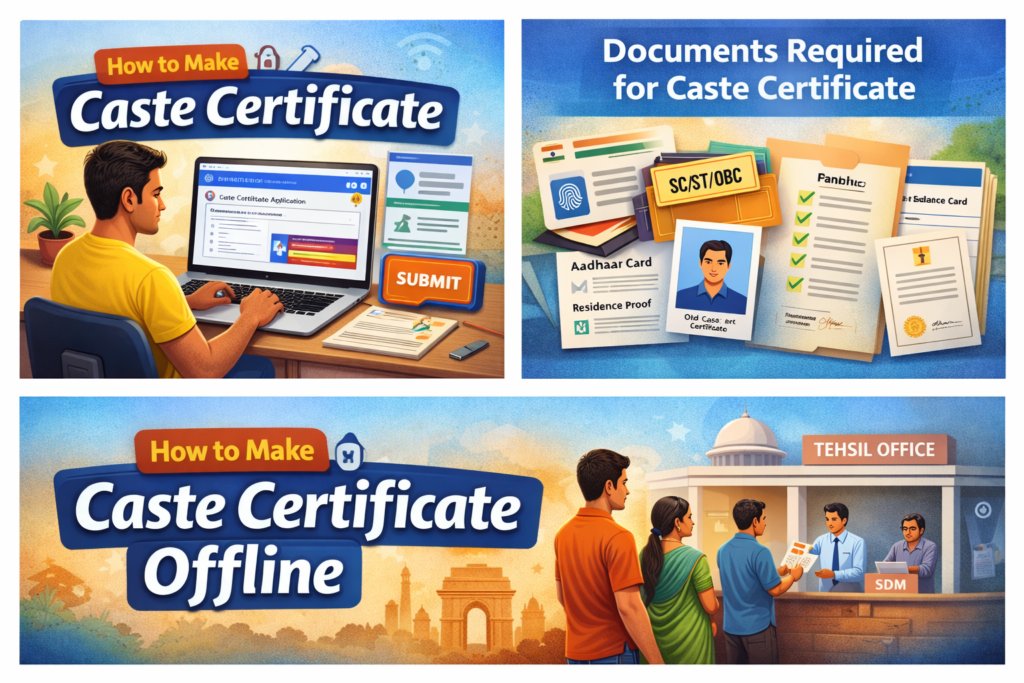
How to Make Caste Certificate Online (Step by Step Process)
Ab sabse important part 👇
Step 1: Apne State ki Official Website Par Jaye
Har state ki apni e-district ya service portal website hoti hai. Example:
- Agar aap Haryana ke resident hain to aap online apply kar sakte hai iske liye step by step process yha pade caste-certificate-haryana-apply-online/
- UP – eDistrict Portal
- Bihar – RTPS Portal
👉 Google par search kare:
“Caste certificate online apply + aapka state naam”
Step 2: Registration Kare
- Website par new user registration kare
- Mobile number se OTP verify kare
- Login ID aur password banaye
Step 3: Caste Certificate Option Select Kare
Login karne ke baad:
- “Apply for Services” par click kare
- Caste Certificate option choose kare
Step 4: Form Fill Kare
Form me ye details bharni hoti hai:
- Applicant ka naam
- Father/Mother ka naam
- Address
- Caste name
- Aadhaar number
Sab details sahi sahi bhare.
Step 5: Documents Upload Kare
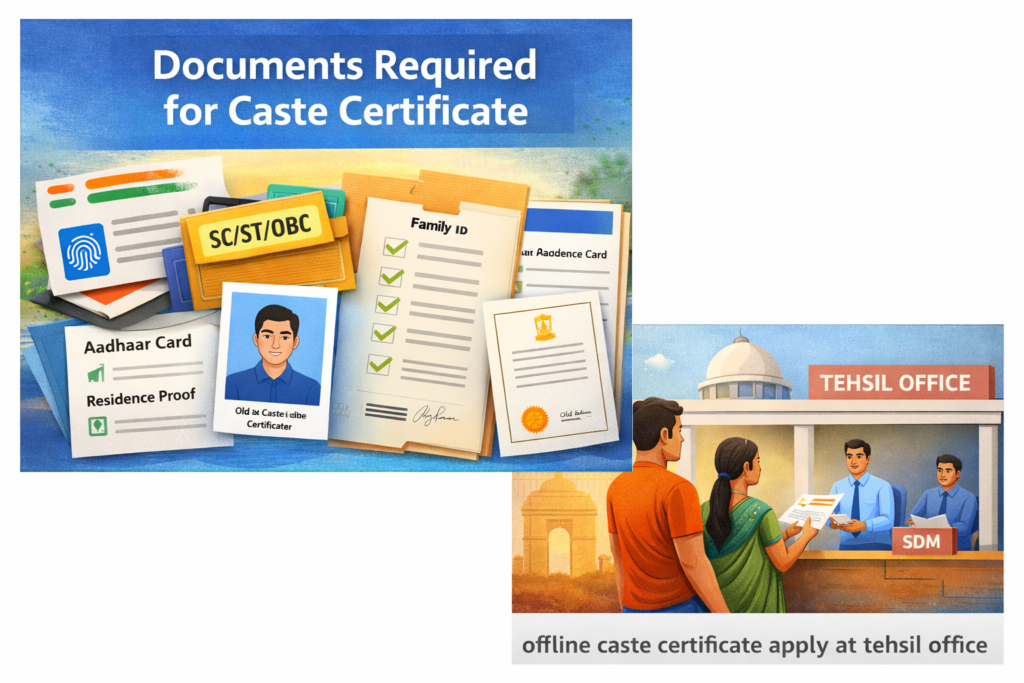
Normally ye documents chahiye hote hain:
📌 Aadhaar Card
📌 Family ID / Ration Card
📌 Residence Proof
📌 Passport Size Photo
📌 Old caste certificate (agar available ho)
Documents clear scan karke upload kare.
Step 6: Fee Pay Kare
Kuch states me ₹10–₹50 tak ki nominal fee hoti hai.
Online payment kare aur receipt save kare. Kabhi kabhi ye free bhi ho sakti hai according to your state wise.
St t ep 7: Application Submit Kare
Submit karne ke baad aapko application number mil jayega.
Us number se status track kar sakte ho.
Caste Certificate Kaise Banaye Offline?
Agar aap online apply nahi karna chahte, to:
- Apne Tehsil ya SDM office jaye
- Caste certificate form le
- Documents attach kare
- Form jama kare
Verification ke baad 7–15 din me certificate mil jata hai.
Caste Certificate Banane Me Kitna Time Lagta Hai?
Usually:
- 7 se 15 working days
- Kabhi kabhi verification me 20 din bhi lag sakte hain
Caste Certificate Validity
Normally caste certificate lifetime valid hota hai.
Lekin kuch cases me OBC certificate ko renewal ki jarurat pad sakti hai (income based).
Important Tips (Galti Na Kare)
❌ Galat caste category select na kare
❌ Fake documents upload na kare
❌ Name spelling Aadhaar ke according hi likhe
FAQs – How to Make Caste Certificate
Q1. Caste certificate banane ke liye minimum age kya hai?
Koi minimum age nahi, bachchon ka bhi ban sakta hai.
Q2. Kya caste certificate online download kar sakte hain?
Haan, approval ke baad aap PDF format me download kar sakte hain.
Q3. Caste certificate reject kyun hota hai?
Documents mismatch ya verification fail hone par reject ho sakta hai.
Ab aapko clearly samajh aa gaya hoga ki how to make caste certificate online aur offline dono tarike se kaise banate hain.
Agar aap sahi documents ke saath apply karte ho, to process bilkul simple hai.
Read more articles
Conclusion
Ab aapko clearly samajh aa gaya hoga ki how to make caste certificate online aur offline dono tarike se kaise banate hain. Agar aap shi tarike se sari personal details ko verify karke lagate hai aur documents clear lagate hai to bahot kam chance hote hai ki aapki application reject ko jaye.
2 thoughts on “How to Make Caste Certificate (2026 Guide) – Online & Offline Full Process in India”